Chess
Full chess against the CPU, three difficulty levels.
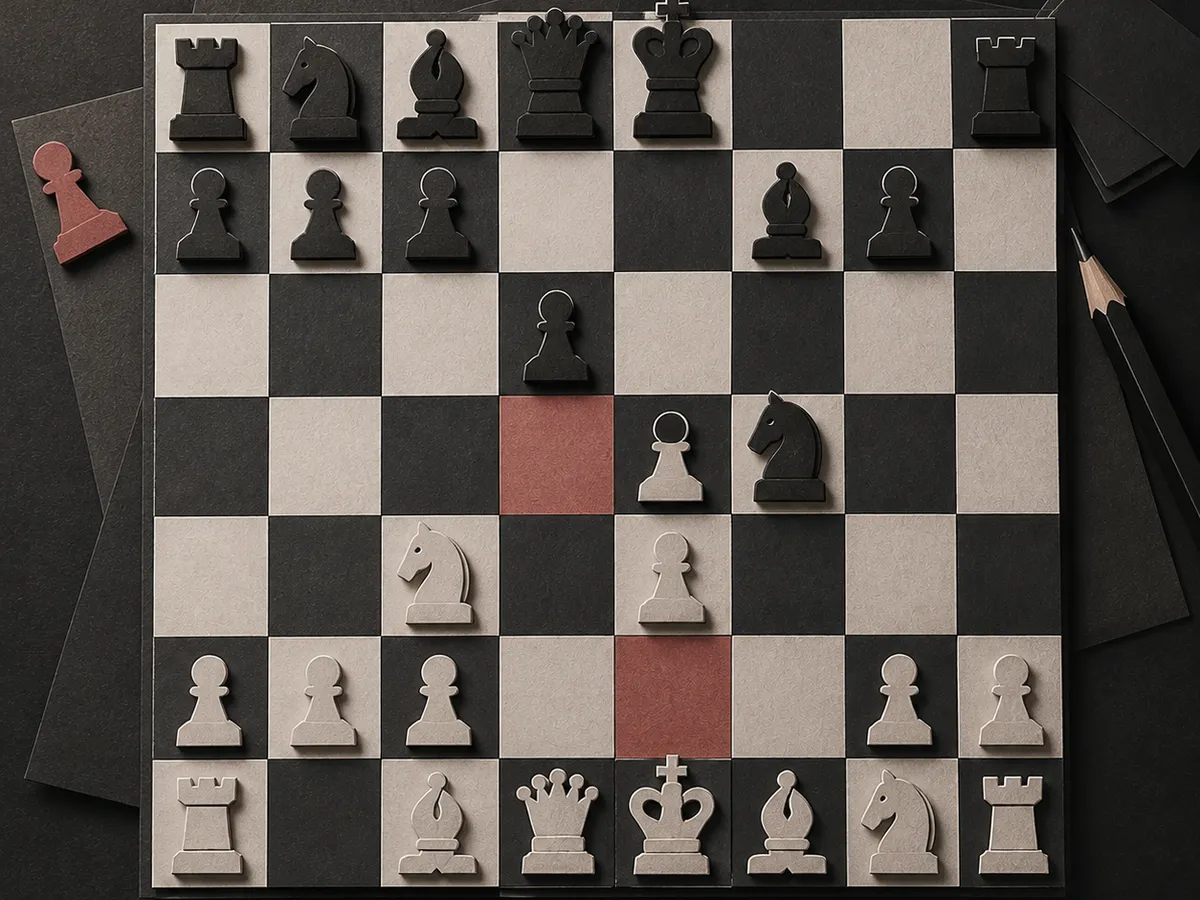
Chess vs CPU
A full game of chess against Stockfish. Pick a level and a color, then play like you would on a real board: legal moves are highlighted, and the game ends on checkmate, stalemate, or draw.
Difficulty
Play as
Engine and piece credits
Engine: Stockfish (GPLv3, github.com/official-stockfish)
Chess piece set by Colin M.L. Burnett (GFDL / CC BY-SA 3.0 / GPL)
Rules and scoring
Play a complete game of chess against Stockfish, the strongest open-source engine. Pick Easy, Medium, or Hard, choose your color, and get legal-move hints, a live move list, and proper checkmate, stalemate, and draw rules.
How to play chess vs CPU
Chess vs CPU is a complete game of chess against Stockfish, the open-source engine that has beaten world champions. Pick a difficulty level and a color, then play a normal game: white moves first, you take turns, and the first checkmate wins. Tap a piece to see every legal destination highlighted, then tap the square you want. You can also drag a piece to its destination, and promotions let you choose queen, rook, bishop, or knight.
The difficulty levels
Easy plays at roughly a 200 to 600 rating. It thinks fast and deliberately blunders about a third of its moves, which gives beginners real winning chances while still playing a sensible opening. Medium plays at roughly 800 to 1200, with solid tactics and few mistakes. Hard plays at 1200 and beyond, thinking longer and punishing inaccuracies. The engine settings are exposed in the page source, so the levels are honest and tunable.
The engine
The opponent is Stockfish, the strongest chess engine in the world, compiled to WebAssembly and running entirely in your browser. Nothing is sent to a server, and the engine only starts when you begin a game, so the page stays light. Stockfish is free software under the GPLv3 license, and the game credits it on the board. Rules are enforced by chess.js, a separate MIT-licensed library that also powers the legal-move hints and the move list.
Rules and end states
Every move is checked against the real rules: castling, en passant, promotion, and check. The board shows a check pill when your king is attacked, and the game ends properly on checkmate, stalemate, or a draw by agreement of the rules, including insufficient material. You can resign at any time and rematch instantly with the same settings.
Why play chess here
It runs on any phone or laptop with no account and no download, and the interface is built for touch: tap a piece, tap a square. The move list keeps the whole game readable, the board flips when you play black, and the difficulty ladder gives you a path from first game to serious practice. It is one of the few places you can play a full engine-strength game with zero setup. Because the engine lives in your browser, there is no queue, no server lag, and no waiting between moves, and a rematch starts instantly with the same settings.
Is playing against the CPU free?
Yes. Chess vs CPU is free, with no account and no downloads. The engine runs in your browser, and everything is on the page.
What do the difficulty levels mean?
Easy plays at roughly 200 to 600 rating and blunders on purpose sometimes. Medium is roughly 800 to 1200. Hard is 1200 and beyond, and plays strong chess with more think time.
Can I choose to play black?
Yes. Pick White, Black, or Random before the game. When you play black, the board flips so your pieces start at the bottom.
Does the game handle all chess rules?
Yes. Castling, en passant, promotion, check, checkmate, stalemate, and draw rules are enforced by chess.js, a battle-tested rules library.